
Reports
Item Listing by Supplier
Every item you buy from one supplier, with stock on hand and the last order, for ordering rounds.
When to use it
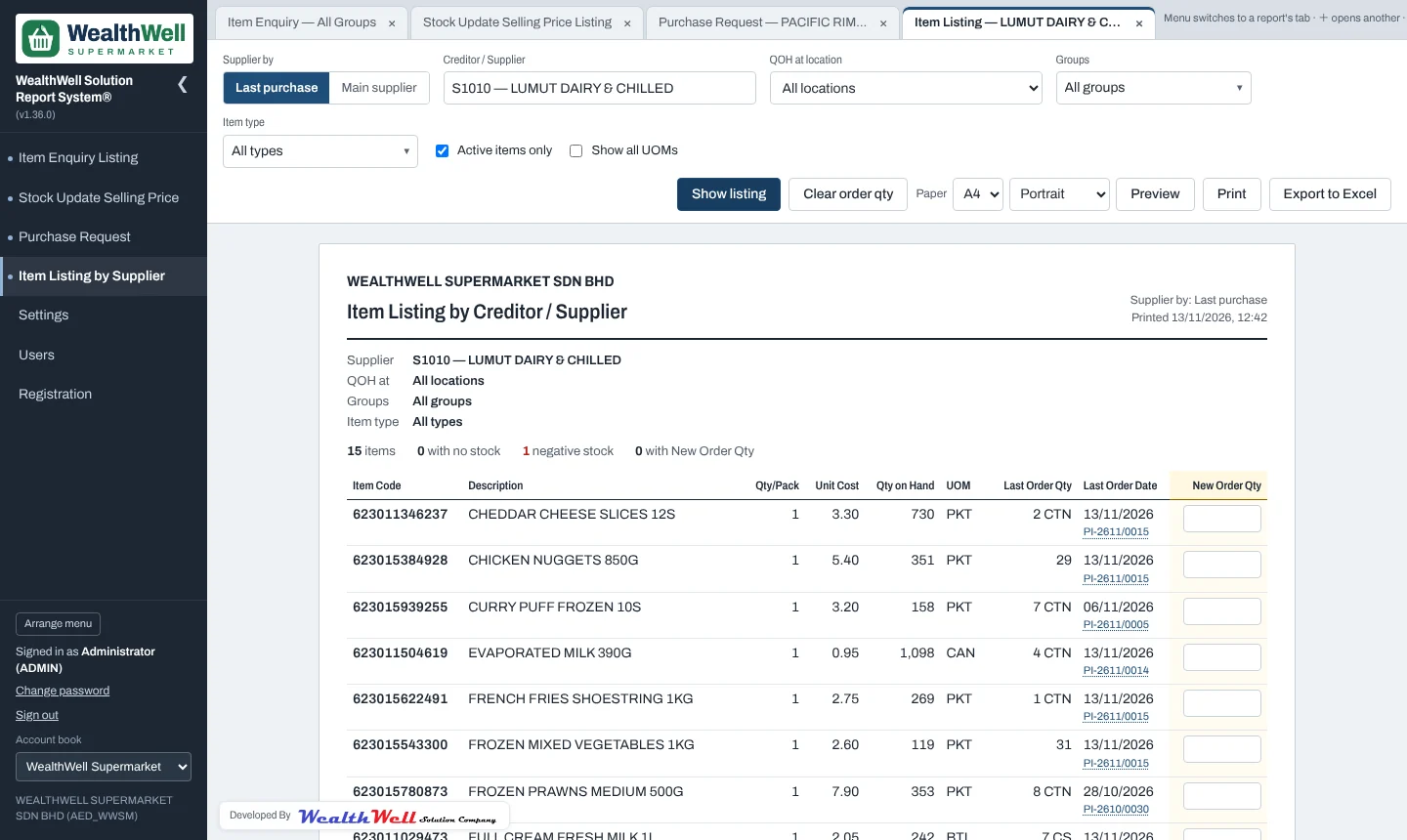
Print it before a supplier's sales rep visits, or walk the shelves with it: it lists the supplier's items with pack size, unit cost, stock on hand at the chosen location, the last order (quantity, unit, date and invoice number) and a New Order Qty column.
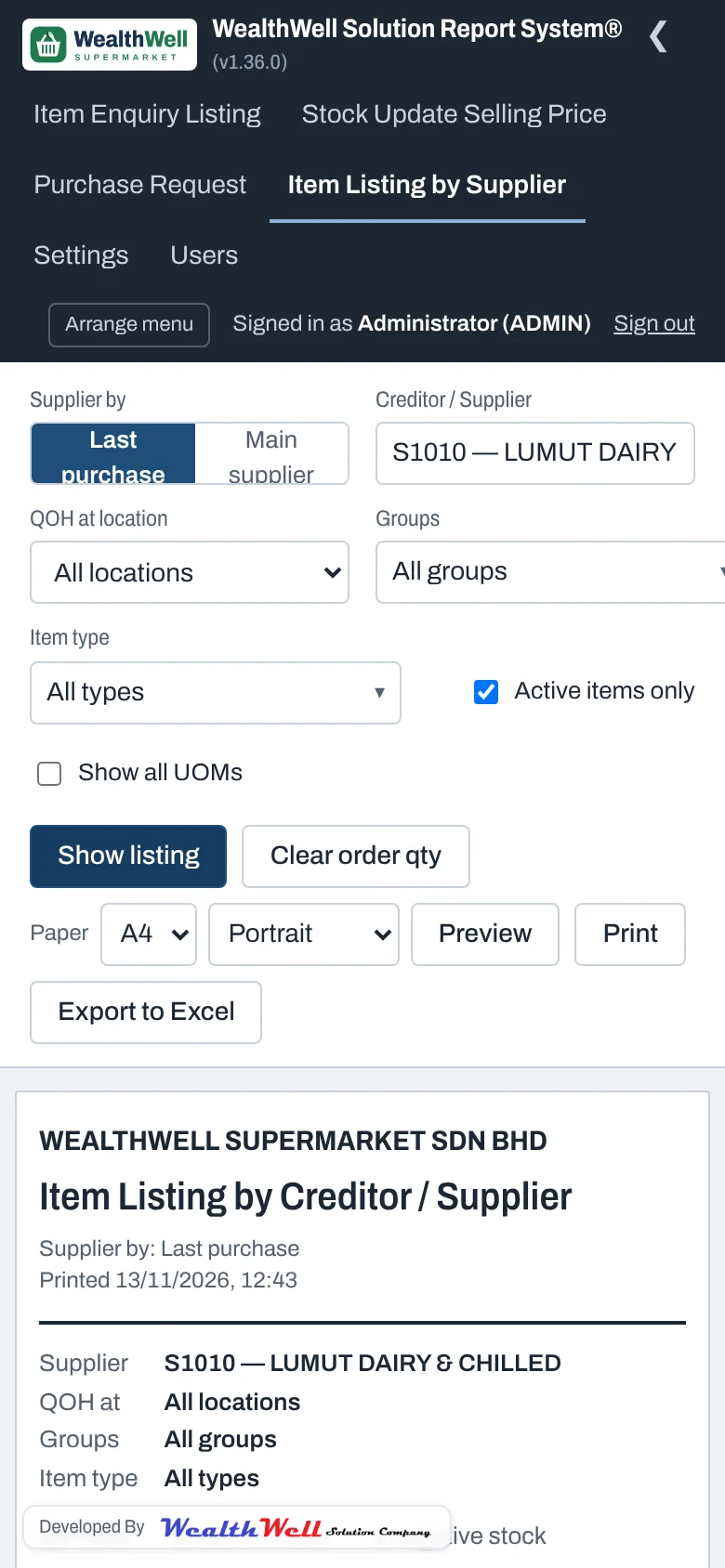
| Supplier by | Last purchase (the supplier on each item's latest invoice) or Main supplier (Item Maintenance). |
|---|---|
| Location | Stock on hand is counted at this location. All locations if left empty. |
| Groups / Item type | Narrow the list. Nothing ticked = all. |
| Show all UOMs | Also list packs and cartons under each item. |
Last order
The last order comes from the item's latest non-cancelled Purchase Invoice. Click the invoice number to open it.
New order quantities
Quantities typed in New Order Qty are remembered on that PC for that supplier and location, and print on the listing. Clear order qty empties them. They are not sent to AutoCount; use a purchase request for that. The footer has Ordered By and Approved By boxes for signatures.
Note
Older AutoCount versions (1.x) have no Main Supplier field. For an account book marked as AutoCount 1.x, the Main supplier choice is greyed out and Last purchase is used.