
Start here
WealthWell Solution Report System®
Fast, printable reports for AutoCount Accounting, used from any PC on the shop network through a web browser.
What it is
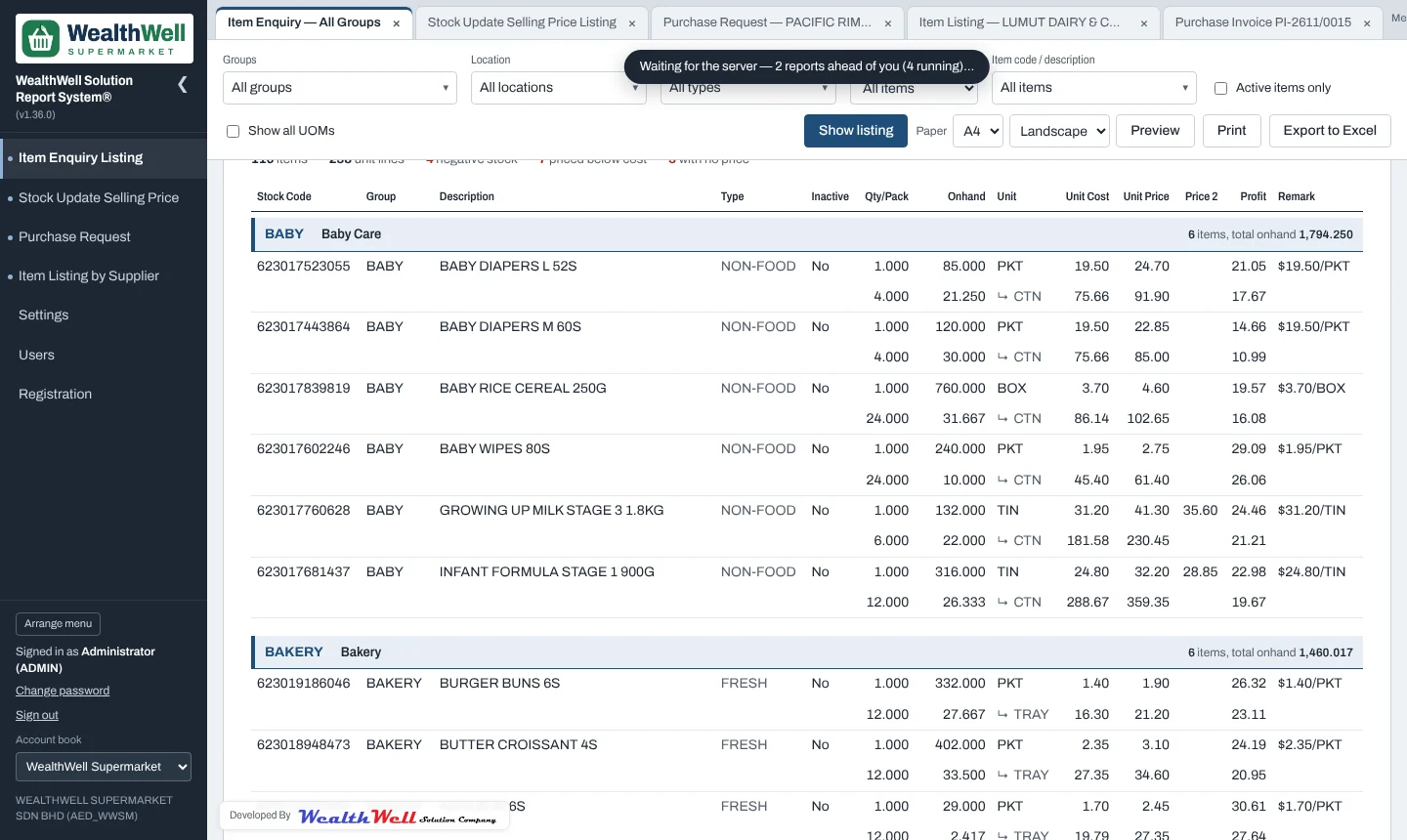
The WealthWell Solution Report System® reads your AutoCount account book and turns it into the reports a supermarket or retail shop uses every day: stock and prices by group, cost changes that need a new selling price, purchase requests by supplier, and supplier item lists for ordering. It runs on one PC (usually the AutoCount server) and everyone else opens it in a browser.
- Read-only. The reports never change your AutoCount data. They use a SQL login that can only read.
- Built for paper. Every report prints on A4, A3 or A5, portrait or landscape, with sign-off boxes where they are needed.
- For the whole team. Staff sign in with their AutoCount user ID. Roles decide who sees which report and who may save, print or export.
- Several account books. Link more than one AutoCount company (for example a shop and its warehouse) and switch between them.
- Fair when busy. Big reports take turns on the server, so one person cannot slow everyone else down.
The reports
The live demo
The demo at report.wealthwellsolution.com is the real program running on sample data for WealthWell Supermarket, a made-up shop. All names of the company, suppliers, products and people are fictitious. Nothing you do there leaves your browser, and the Reset button puts everything back.
| User ID | Password | What they can do |
|---|---|---|
ADMIN | demo | Administrator: every report, Users and Settings |
MANAGER | demo | Store Manager role: all reports, logo and menu settings |
CLERK | demo | Purchasing role: purchase requests, supplier listing, view prices |
STORE1 | demo | Default role, and only the Central Warehouse account book |